Showing the widget only on certain pages
Hide the assistant on checkout, show it where questions happen, and target by device or country — the rules and how they combine.
The widget doesn't have to be everywhere. Targeting rules control which pages, devices and countries see it — and knowing how the rules combine saves you a confused "why isn't it showing?" later.
The rules
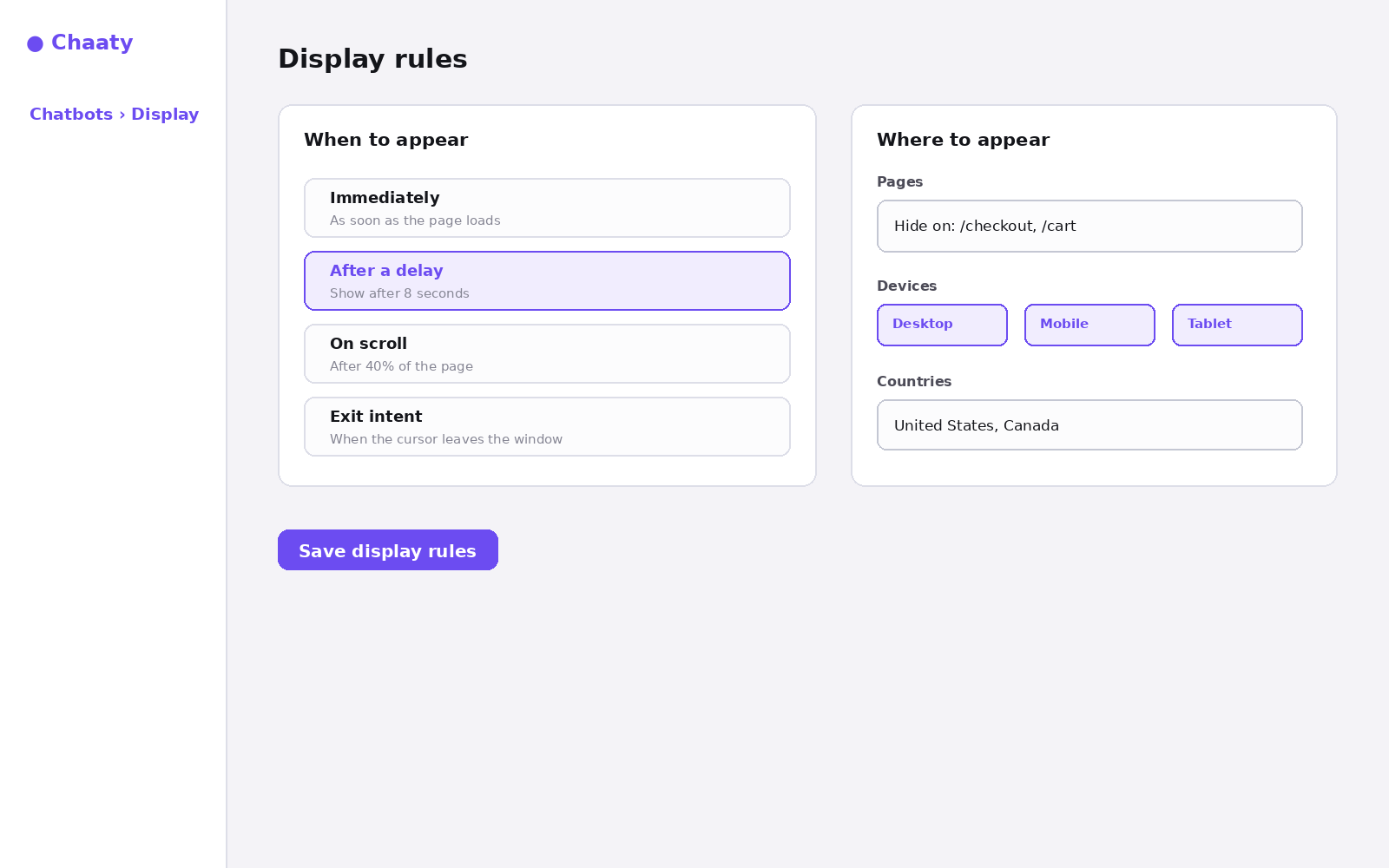
- Pages — show everywhere and hide on specific paths (
/checkout,/cart), or restrict to specific paths only. Checkout is the classic hide: mid-payment is the one moment you don't want a distraction. - Devices — desktop, mobile, tablet. Most sites keep all three; hide on mobile only if your mobile layout genuinely can't spare the corner.
- Countries — useful when you only serve certain markets, so overseas visitors don't start conversations you can't fulfil.
WordPress users have an extra layer: the Webaaty plugin's own page rules, which apply on top of these.
How rules combine
Every active rule must pass. Hidden on /checkout and desktop-only means mobile visitors never see it anywhere — which is exactly the kind of interaction that looks like a bug later. When the widget's missing somewhere unexpected, check targeting first; it's cause #4 in the troubleshooting checklist.
Try this on your own assistant
Chaaty is free to start — your assistant is built from your website in about a minute.