Training your assistant by scanning your website
The scan is how your assistant learns your business — what it reads, what it skips, and how to get a better result from it.
The website scan is the fastest way to train your assistant: point it at your site and it reads your public pages into a knowledge base. Here's what actually happens and how to get the most from it.
What the scan reads
Your public pages — services, pricing, about, FAQs, contact details. It follows your internal links, so pages you link to from your navigation get found; orphan pages you never link to may not.
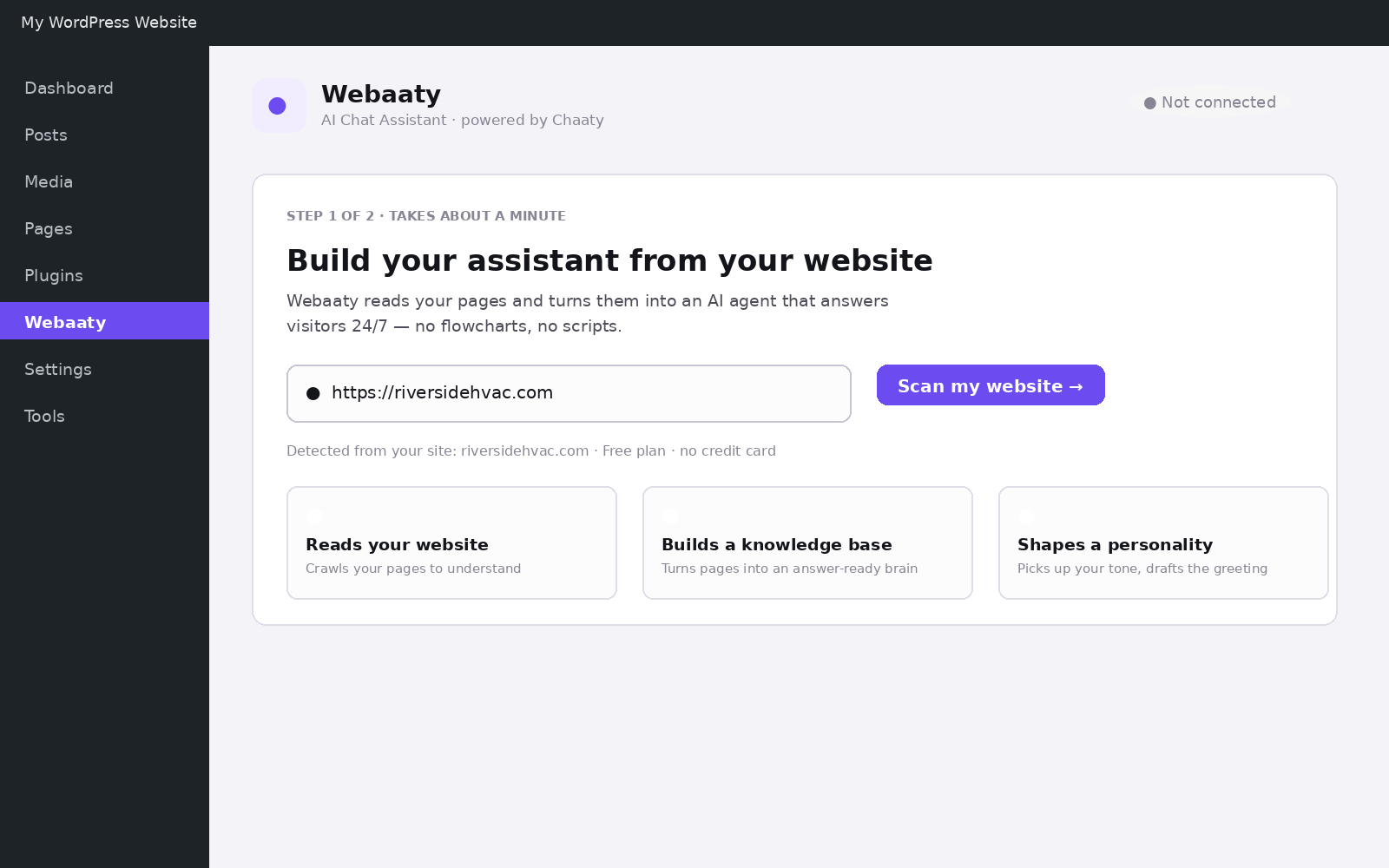
It doesn't read anything behind a login, and it doesn't change anything on your site — it's read-only.
What a good result looks like
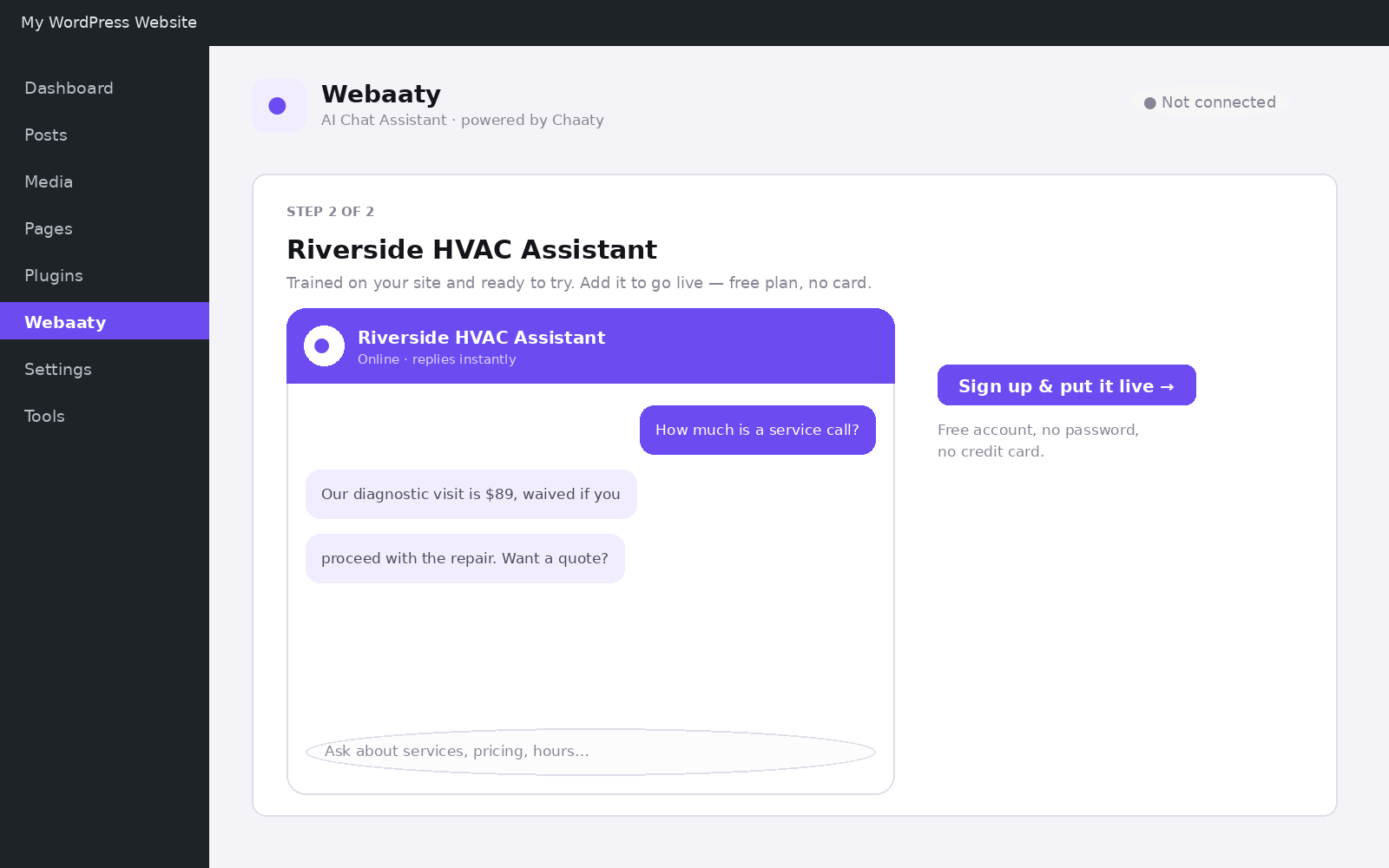
After the scan, test with the questions customers really ask: prices, hours, coverage area, guarantees. The preview is your actual assistant:
Getting a better scan
- Say it on your site first. The assistant can only know what your pages say. If your prices aren't published anywhere, it can't quote them — add a Q&A pair instead.
- Check your key pages are linked from your menu or footer so the crawler finds them.
- Re-scan after big changes — new services, new pricing, a redesign. The assistant keeps answering from the old content until you do.
For everything the scan can't know — internal policies, unpublished prices, judgement calls — add it directly as Q&A pairs and text blocks.
Try this on your own assistant
Chaaty is free to start — your assistant is built from your website in about a minute.