Understanding your plan and usage limits
What messages and views actually count, where to watch your usage, what happens at the limit, and when upgrading genuinely pays for itself.
Every plan has two meters: AI messages (replies your assistant generates) and widget views (times the widget loads on your pages). Here's how to read them and what to do as you grow into them.
Where to check
Your dashboard's Usage screen shows both meters for the current month; the Webaaty plugin shows the same numbers on its Overview.
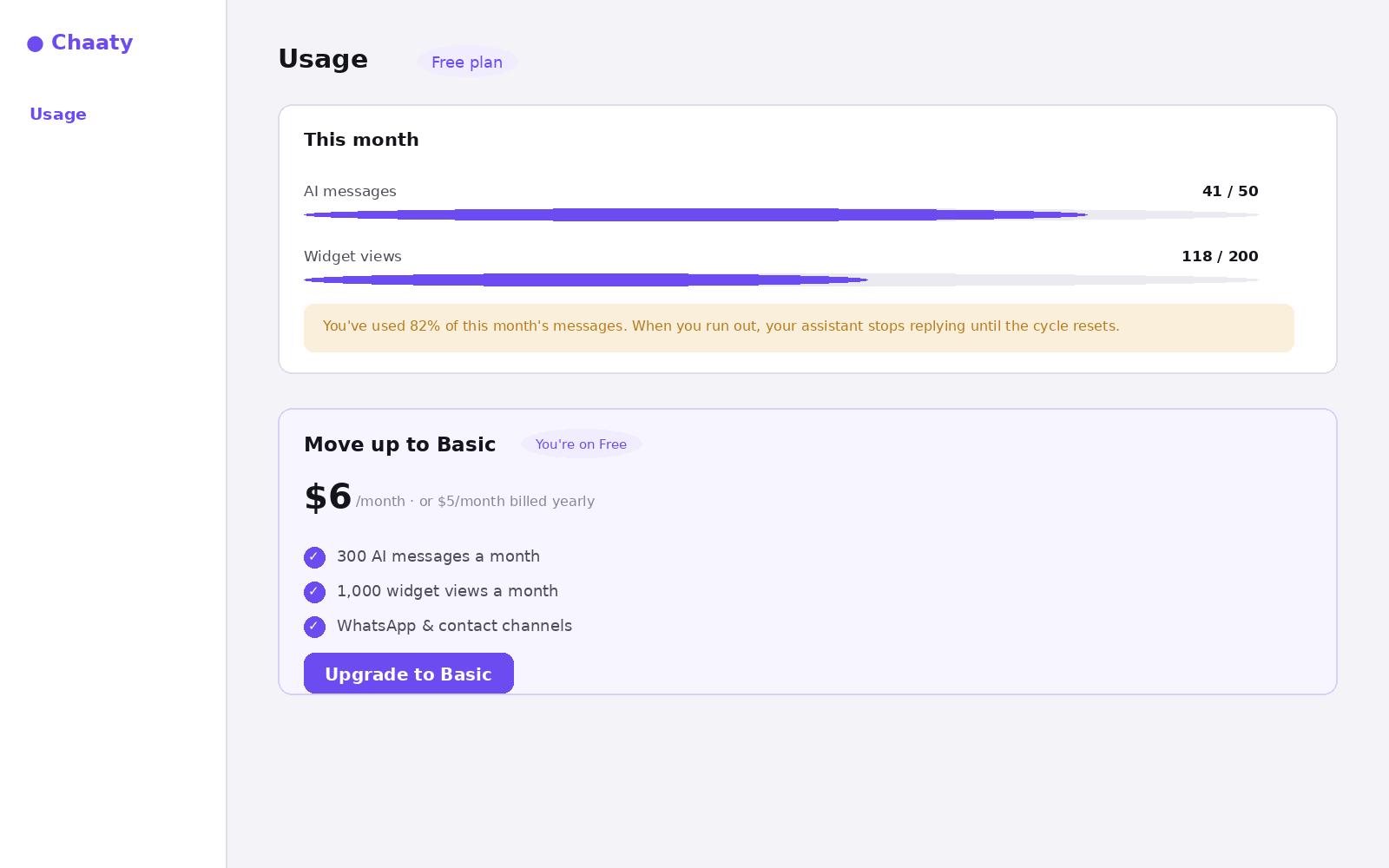
What counts
- A message = one AI reply. A visitor conversation of five questions and five answers uses five messages.
- A view = one widget load. A visitor browsing four pages registers four views, whether or not they open the chat.
What happens at the limit
When messages run out, the assistant stops replying until the cycle resets — visitors see the widget but conversations pause. You'll see a warning in the dashboard and the plugin from 80% usage, which is the moment to act rather than the day it stops.
When upgrading pays for itself
The honest arithmetic: if your assistant captures even one usable lead a month, a paid plan usually costs less than that lead is worth. The tiers, briefly — Basic adds volume and contact channels; Pro adds lead capture and booking, which is where the assistant starts directly producing revenue; Business adds Telegram and headroom for busy sites.
Current prices and full comparisons live on the pricing page — it's the source of truth, so this guide doesn't repeat numbers that could drift.
Try this on your own assistant
Chaaty is free to start — your assistant is built from your website in about a minute.